Type it. See it. Edit it by clicking.
Type an idea, get on-brand slides, then edit anything by clicking it.
The work your team repeats every day.
Slide Studio turns a short brief into finished slides in your company's brand. Click any element and say what to change; every edit can be kept, undone or rolled back, and decks can be shared, commented on and exported.
 01
01Decks from a brief
Describe the slide; it builds it in your brand.
 02
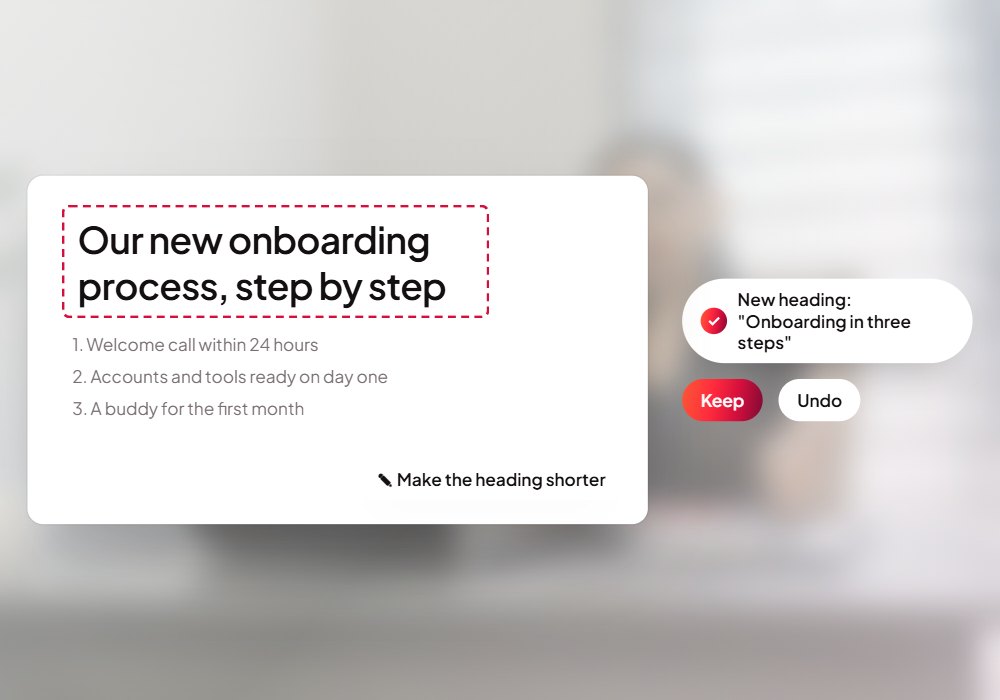
02Edit by clicking
Select anything and say what to change.
 03
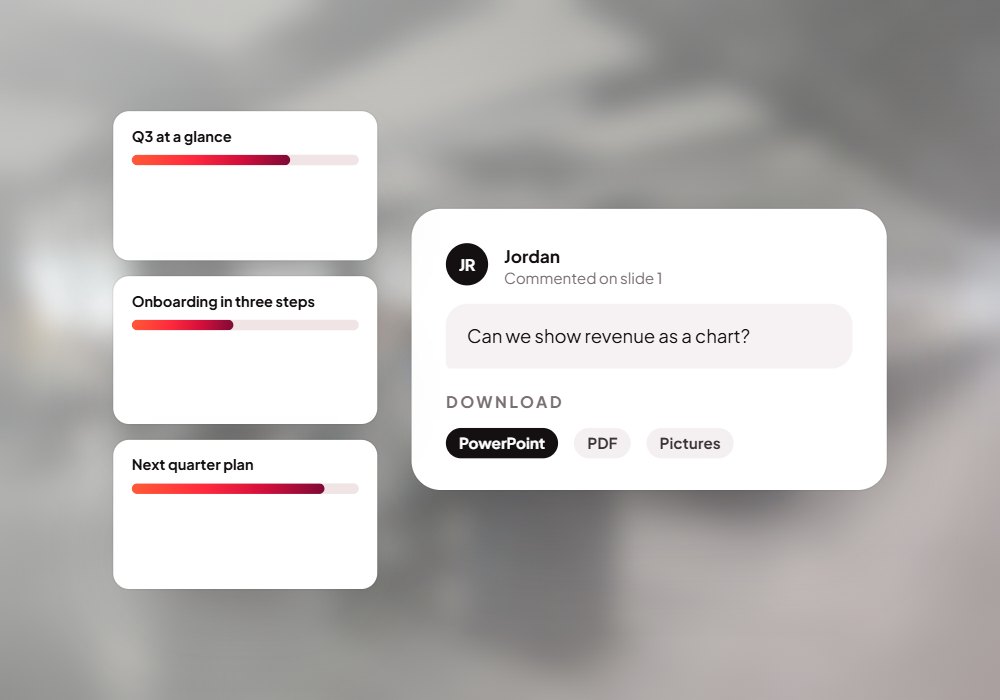
03Share and present
Share decks, comment and export to PowerPoint or PDF.
Ask the way you'd ask a person.
Real questions Slide Studio handles today. Open the live demo and try one.
Open the live demo- “Make a slide on our Q3 results”
- “Turn this into a timeline”
- “Make the heading shorter”
- “Use our brand blue here”
- “Add a chart of these numbers”
From an idea to a finished deck.
Describe
Say what the slide is about, add the facts or files it should use, and generate it.
Refine
Click any part to edit it by hand or with the AI, and keep only the changes you like.
Present
Share it for comments, present it full screen, or download it as a file.

From your idea to finished deck.
- A short brief
- Your facts & files
- PowerPoint decks
- Your brand guide
- Company knowledge
- On-brand slides
- PowerPoint & PDF
- Shared for comments
- Every change reversible
Put Slide Studio to work for your team.
We set it up on your own data and systems, test it with your team, and switch it on when you're happy.