←Reallytics.ai SReallyticsSlide StudioPlatform
How it works

From first question to done.

Slide Studio turns a short brief into finished slides in your company's brand. Click any element and say what to change; every edit can be kept, undone or rolled back, and decks can be shared, commented on and exported.

Step by step

What happens behind each request.

01

Describe

Write what the slide should say.

02

Build

The AI lays it out in your brand.

03

Edit

Click an element and ask for the change.

04

Present

Share, comment or export.

Slide Studio · live
Slide built in your brand
Heading made shorter
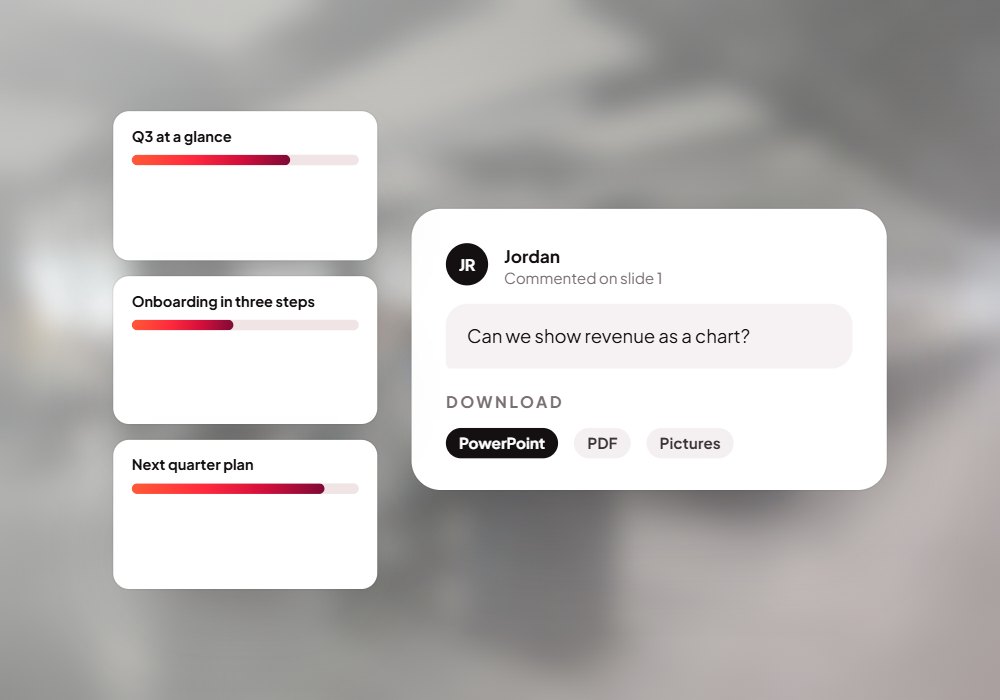
Exported to PowerPoint
Slide built in your brand
How it works with your systems

From your idea to finished deck.

  • A short brief
  • Your facts & files
  • PowerPoint decks
  • Your brand guide
  • Company knowledge
Your idea
Finished deck
Describe
Build
Edit
Review
Present
Your brand rules
Undo any change
Version history
  • On-brand slides
  • PowerPoint & PDF
  • Shared for comments
  • Every change reversible
Questions

Before you ask.

Does it keep our brand?

Yes. It works from your brand guide: colours, fonts, icons and layouts.

Can we import existing decks?

Yes, PowerPoint and HTML slides can be imported and edited.

Where do the AI calls run?

Only on the server; no key ever reaches the browser.

Put Slide Studio to work for your team.

We set it up on your own data and systems, test it with your team, and switch it on when you're happy.