←Reallytics.ai IReallyticsIT DeskVoice agent
How it works

From first question to done.

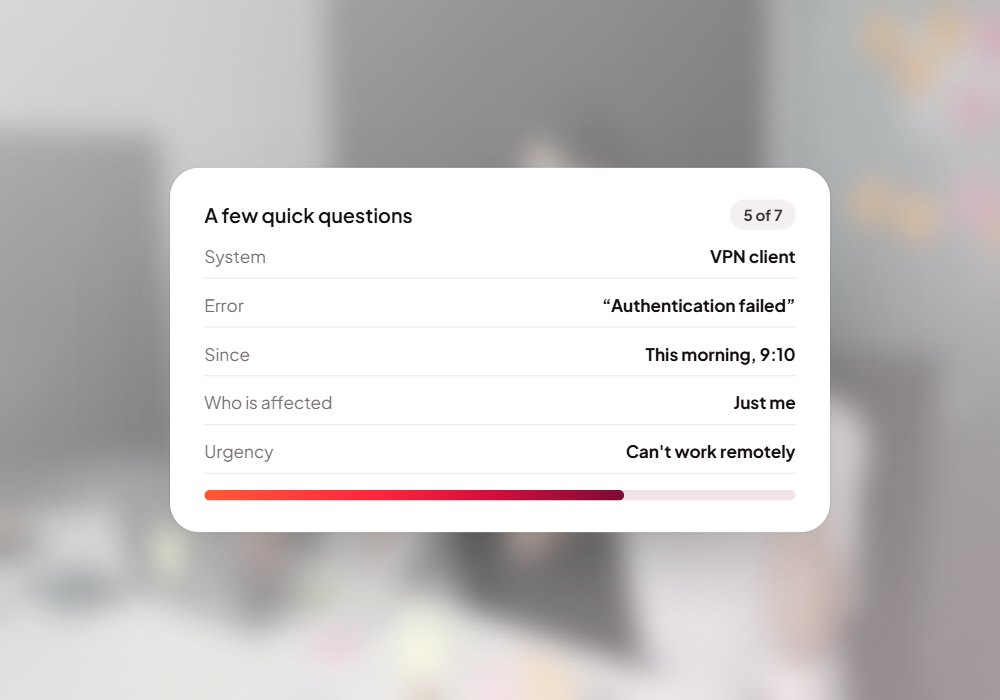
Most IT tickets arrive half-filled: no device, no error, no idea how urgent. The IT Desk assistant asks the right questions one at a time, shows a summary, raises the ticket only when the employee says yes, and gives your IT team a clean queue to resolve.

Step by step

What happens behind each request.

01

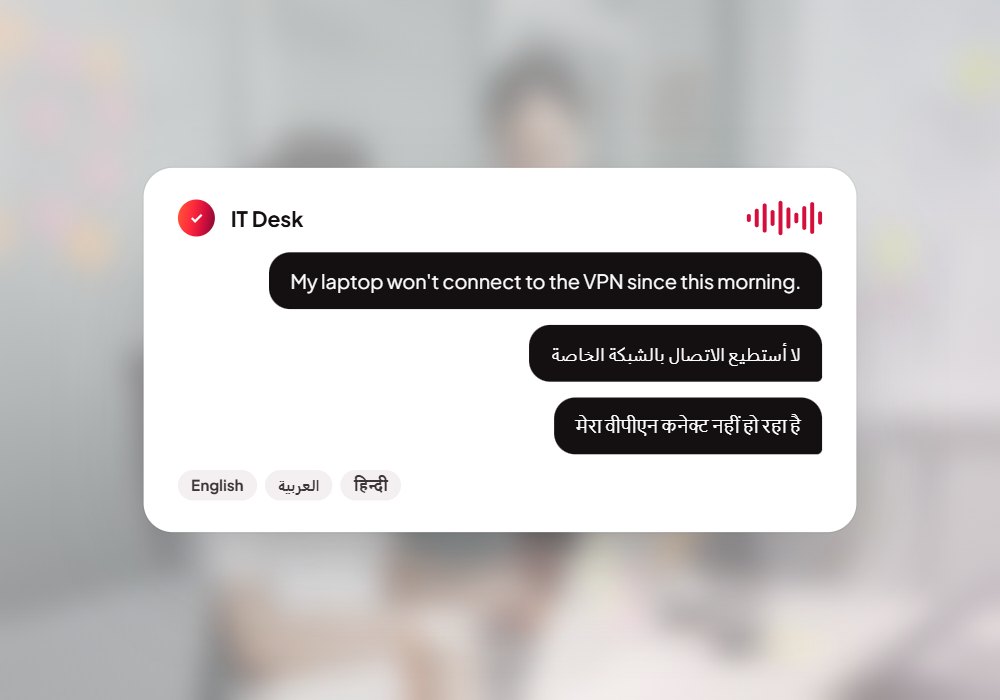
Say what's wrong

Talk or type, in English, Hindi or Arabic.

02

Answer a few questions

One at a time, the way IT would ask.

03

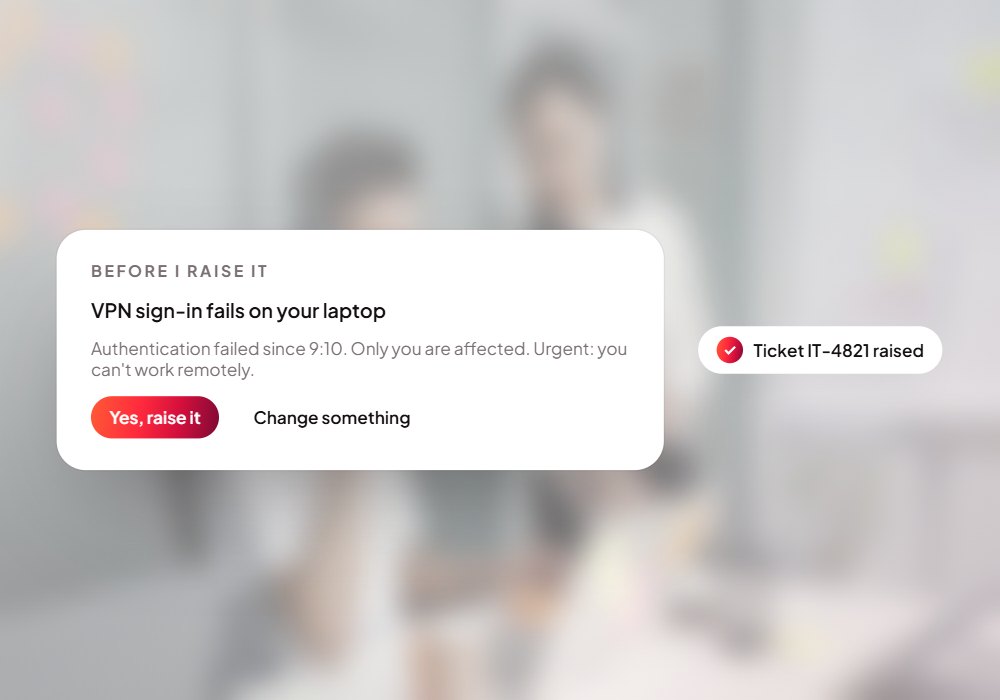
Confirm the summary

The ticket is raised only after a yes.

04

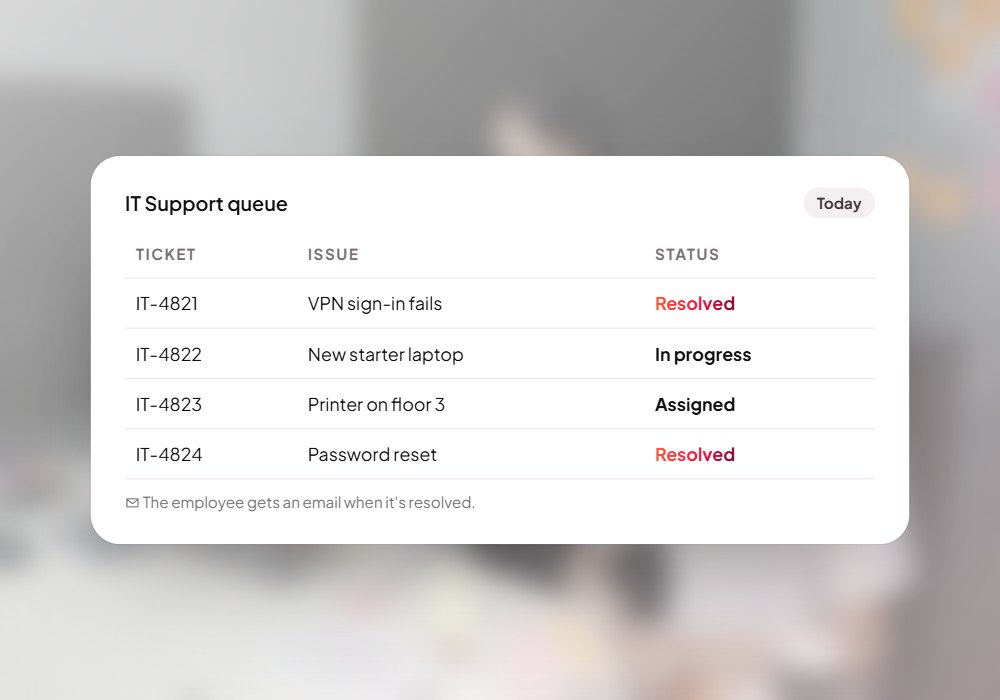
Follow it to resolved

IT works the queue; you get an email when it's fixed.
IT Desk · live
Ticket IT-1042 raised
Confirmed by the employee
Resolved · email sent
Ticket IT-1042 raised
How it works with your systems

From your employees to resolved tickets.

  • Voice in 3 languages
  • Chat messages
  • Screenshots & files
  • Error messages
  • Urgency
Your employees
Resolved tickets
Ask
Clarify
Confirm
Ticket
Resolve
Nothing without a yes
Role-based access
Ticket history
  • Complete tickets
  • Synced to your service desk
  • A clean IT queue
  • Resolution emails
Questions

Before you ask.

Which languages does it speak?

English, Hindi and Arabic, by voice or text.

Does it connect to our service desk?

Yes. Tickets sync to Jira Service Management; other desks on request.

Can we change the questions?

Yes. Admins edit the wording and order, and can add their own.

Put IT Desk to work for your team.

We set it up on your own data and systems, test it with your team, and switch it on when you're happy.