Any purchase order, ready for your ERP in minutes.
Purchase orders in any format become checked, ready-to-approve orders in your ERP, with a person signing off each step.
The work your team repeats every day.
Customers send orders as PDFs, spreadsheets, Word files, links and plain emails, and someone keys every one in by hand. Order Intake reads each order, matches the customer and quote, checks prices, surcharges and your rules, prepares the order for your ERP and hands a person one clean order to approve.
 01
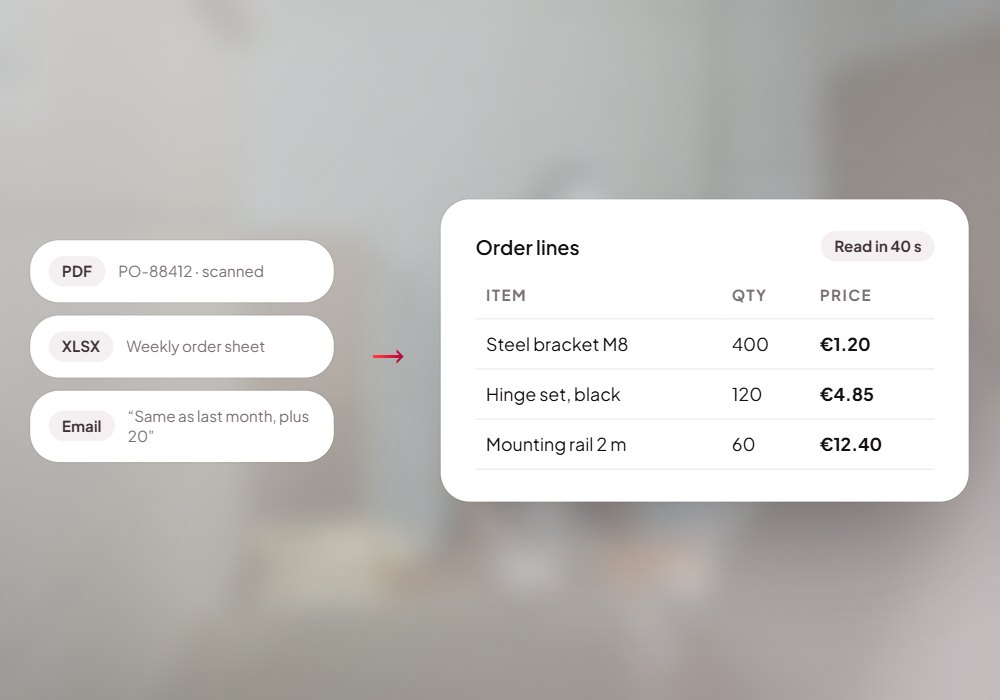
01Read any order
Scanned PDFs, spreadsheets, Word files, links and plain emails.
 02
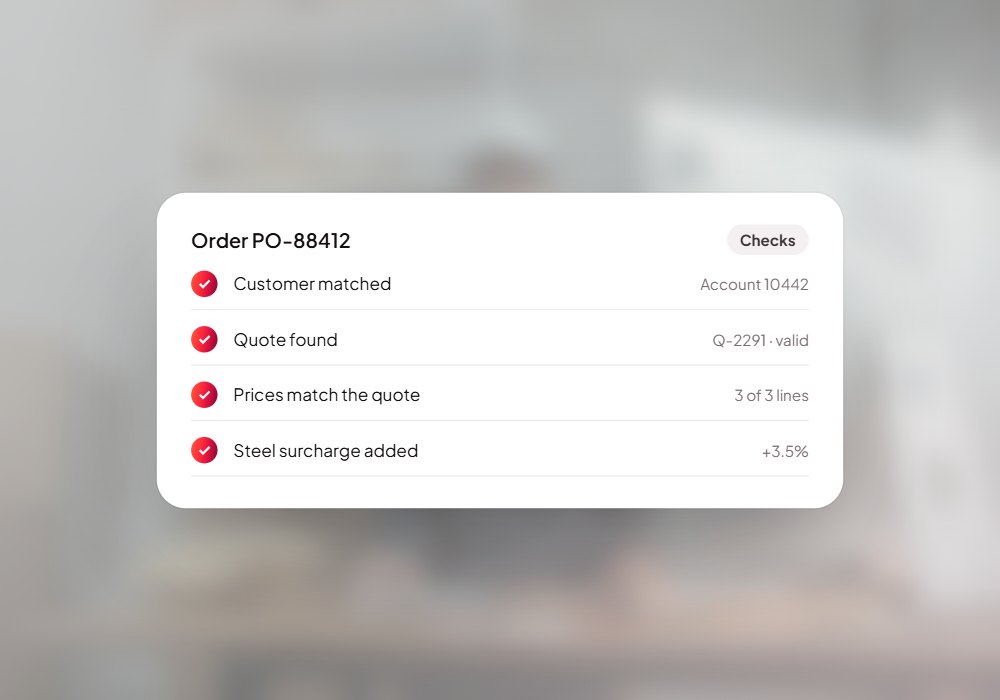
02Match and check
Customer, quote and prices matched; surcharges and rules checked.
 03
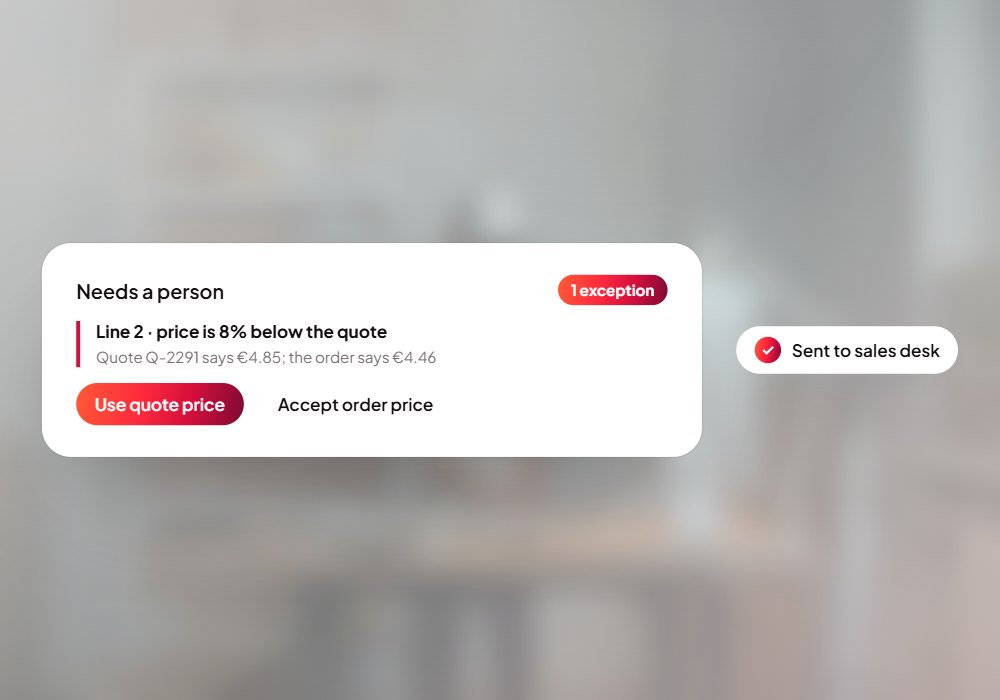
03Exceptions to a person
Anything unusual goes to the right reviewer with the reason.
Ask the way you'd ask a person.
Real questions Order Intake handles today. Open the live demo and try one.
Open the live demo- “Read this scanned purchase order”
- “Does this match the quote?”
- “Why was a surcharge added?”
- “Send this order to the ERP”
- “Who needs to review this exception?”
Four specialists, one order.
Reader Agent
Reads the order in whatever format it arrives: scanned PDF, spreadsheet, Word, link or email.
Matcher Agent
Finds the customer and quote and matches every line, price and quantity.
Checker Agent
Checks surcharges, prices and your business rules, and routes exceptions to a person.
Assembler Agent
Prepares the approved order for your ERP and sends the confirmation.

From customer orders to eRP-ready orders.
- Scanned PDFs
- Spreadsheets
- Word files
- Download links
- Plain emails
- Orders in your ERP
- Confirmations sent
- Exceptions routed
- Every step logged
Put Order Intake to work for your team.
We set it up on your own data and systems, test it with your team, and switch it on when you're happy.